
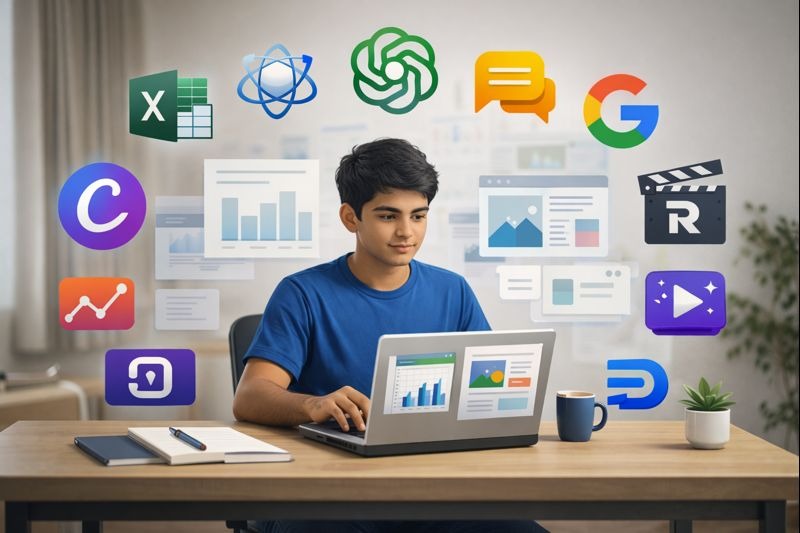
Artificial Intelligence has quietly become part of everyday student life. It is used while studying late at night, preparing assignments, building presentations, analysing data, and even planning creative projects. What was once limited to large companies and research labs is now available on a simple mobile phone or laptop. This change has created both excitement and confusion among students.
Many students ask the questions like Which AI tools are actually useful?
How are these tools used in real jobs?
Can AI really make work easier without harming learning?
This Article cuts through the noise. We’ll dive into the AI tools that matter for students from various disciplines, explore how industry professionals actually use them, and give straight-up insights into their strengths and limitations.
No matter if your background is commerce, design, digital marketing, or data analysis, this article will be of help in working smarter while you build skills that last.
Let’s Start!
Understanding What AI Really Is And Isn’t
Before we get into the nitty-gritty stuff, let’s get one thing straight out: AI tools aren’t magic. They’re systems trained on enormous volumes of data that recognize patterns and respond to instructions written in plain language.
Think of them as very well-read assistants who recall information quickly without truly grasping the context as a human would.
This is a distinction that makes a difference. AI can only predict answers according to the patterns it has learned, and you will always want to approach AI outputs critically and with your own judgment. The students who succeed most are not those who substitute AI for their thinking but those who employ it to facilitate insight and productivity while building actual expertise through practice.
A Step by Step Guide for Using AI Effectively
Success with AI is not about knowing all the tools; it’s about having clarity of process. And here’s a simplified framework that works across any field:
- Be clear from the start: Before starting with any AI tool, define precisely what you need. Are you trying to understand an idea, write an outline, analyze data, or brainstorm creative ideas? Specific tasks get specific results.
- Match the tool to the task: Text-based AI excels at explanations and writing. Visual AI helps with design and creativity. Data-focused AI supports analysis and automation. Matching the right tool for the job saves so much time and frustration.
- Be specific: Vague questions get vague answers. Instead of asking “Explain marketing”, ask “Explain the difference between inbound and outbound marketing strategies with examples relevant to small businesses.”. Mention your level, your subject and your purpose.
- Always review and apply your own knowledge manually: This is Non-negotiable. AI outputs need human review. It is by editing, fact-checking, and working through the material yourself that learning occurs. It’s also how you catch errors before they become bigger problems.
After we have discussed the steps, let’s get to the interesting part. Now we will discuss which AI engines are used for which purpose and also discuss strengths and weaknesses about the AI Tools commonly used by students and professionals.
Core AI Tools Every Student Should Know

1. ChatGPT
ChatGPT has become somewhat of a household name, and for good reason. Designed to handle questions across just about any subject, from commerce and science to management and technology. Students usually use it as a study companion rather than as a textbook replacement.
But the real value of ChatGPT is in its versatility.
Need to summarize a complicated chapter into key points? It does just that. Can’t understand a concept step by step? It can explain things in parts. Want to begin working on a project outline or synopsis? It really helps get one going.
But ChatGPT has its own set of quirks to keep in mind. By default, it often responds in bullet points, which is not always what you want in academic writing. It sometimes repeats information using different wording, and unless carefully prompted, it might miss some nuances of deep research topics. Think of it as a great starting point, one that will definitely still need your critical thinking to cross the finish line.
Strength and Weaknesses of ChatGPT in Gist:
Strengths
• Useful for academic research and topic understanding
• Helps in creating short notes and explanations
• Supports writing synopses and project outlines
• Effective for summarising long chapters into key points
• Helps beginners understand concepts step by step
Weaknesses
• Often gives answers in pointer format by default
• May not cover every aspect of deep research topics
• Needs careful prompts for detailed explanations
• Sometimes repeats information in different wording
2. Claude AI
While ChatGPT acts more like a quick-reference buddy, Claude AI is something of a thoughtful writing companion-one that can generate well-structured, long-form pieces that continue logically over several sections. For students who struggle to draft essays, reports, or literature reviews, Claude is where the real magic begins.
The strengths here are clarity and organization. Claude naturally writes in paragraphs, which works well for academic writing that requires long explanations. It deals better with complicated topics and maintains context through longer conversations.
The trade-off here is that Claude sometimes gives you more than what you need. You may get background information you weren’t asking for; thus, editing becomes of essence. You’ll need to set boundaries in your instructions and be prepared to trim outputs to keep them focused.
Strength and Weaknesses of Claude in Gist:
Strengths
• Writes content in clear paragraph format
• Suitable for long form articles and reports
• Maintains logical flow across sections
• Helpful for literature reviews and explanations
• Better handling of complex academic topics
Weaknesses
• Sometimes provides too much content at once
• Requires editing to reduce length
• May include extra background information
• Needs clear limits in instructions
Google Gemini For Image Creation and Other things
Google Gemini links text understanding with visual creativity. This already positions it as particularly valuable, especially in the case of students dealing with creative tasks, presentations, posters, or design projects.
Where Gemini shines is in the area of visually generating ideas and creative support. It helps in brainstorming visual concepts, exploring design directions, and supporting visual storytelling. It offers real value to students preparing presentations or working on creative assignments.
That said, Gemini isn’t a catchall tool. It won’t do mechanical work like extracting text from images, and it’s less useful in data-heavy academic work. It is best when paired with other tools, serving as your creative brainstorming partner rather than your complete solution.
Expert Tip: Take prompt ideas to create creative images from ChatGPT and then copy paste it into Google Gemini. This will help you create unique images.
Strength and Weaknesses of Google Gemini in Gist:
Strengths
• Good for creating creative images and visuals
• Helpful for presentations and posters
• Supports idea generation for design projects
• Useful for visual storytelling
Weaknesses
• Does not perform mechanical tasks like copying text from images
• Limited use for data heavy academic tasks
• Requires manual effort for detailed text editing
How Professionals Actually Use AI for Different Fields
Understanding how AI fits into professional work gives students a more realistic picture of which skills matter. Let’s break down several key fields.
Excel and Data Analysis
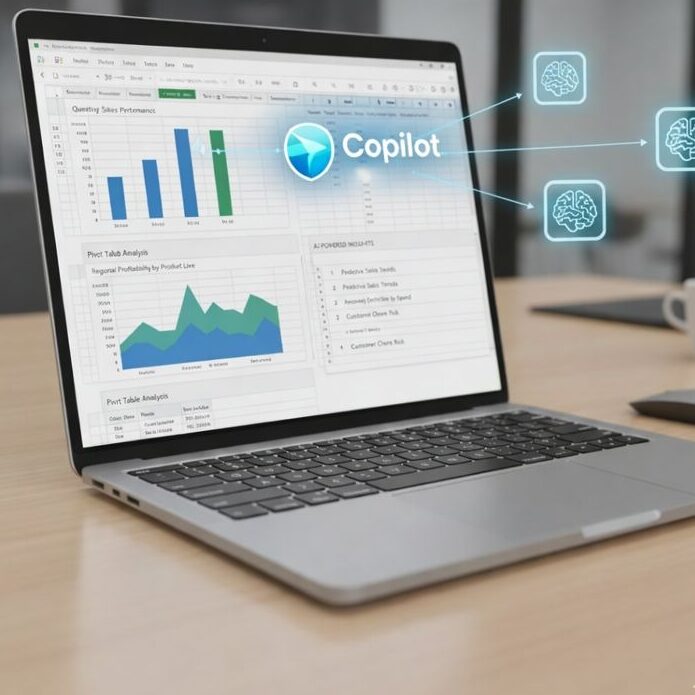
Data professionals live in spreadsheets, and AI has changed how they approach complex formulas and analysis.
The most utilized tool in this space is Microsoft Copilot because of its direct integrations to spreadsheets that support users in understanding complex formulas, spotting trends, and summarizing data. ChatGPT supports the explanation of logic and debugging issues.
For students learning Excel, AI becomes a logic tutor. Instead of just copying formulas that you don’t understand, you can ask AI to explain why the formula will work, not only how to write it. This builds deep understanding. You can use AI to clean data logically, understand dashboard structures, and debug errors in record time.
But AI cannot replace practice on real data. It sometimes oversimplifies complex logic, and one always needs to verify results manually. Confidence with Excel comes from repeatedly working through real spreadsheets yourself. AI accelerates your learning curve, but the curve still requires climbing.
Strength and Weaknesses of Microsoft Copilot in Gist:
Strengths of Microsoft Copilot AI
• Integrated directly with Microsoft Word, Excel, PowerPoint, Outlook, and Teams
• Works inside documents and spreadsheets without switching tools
• Understands context from existing files and data
• Explains Excel formulas and data trends in simple language
• Helps create reports, presentations, and summaries quickly
• Saves time by automating repetitive tasks
• Supports group work by summarising meetings and emails
• Accepts natural language instructions from users
Weaknesses of Microsoft Copilot AI
• Output quality depends on how clear the instruction is
• May oversimplify complex data analysis
• Limited creativity compared to specialised creative AI tools
• Works best only within the Microsoft ecosystem
• Sometimes repeats similar suggestions
• Requires manual checking for accuracy
• Raises data privacy concerns for sensitive information
Accounting and Tally
Accounting requires accuracy, and professionals use AI primarily to understand concepts and for compliance support rather than execution. Longer explanations for accounting standards and principles are often done through Claude AI, while ChatGPT is used for quick explanations of journal entries and rules regarding compliance.
These tools will help students understand debit-credit logic, deconstruct accounting standards, get the basics of taxation, and decodify compliance terminologies. Accountant language often sounds incomprehensible, while AI translates it into understandable steps.
The key limitation? AI cannot make actual accounting entries, and one of the very real risks is conceptual errors. Every output requires cross-checking against textbooks and established resources. AI supports understanding, but the accuracy of accounting depends on training, discipline, and attention to detail that only you can provide. Do Your Tally Course today at Microcomputer center.
Graphic Design
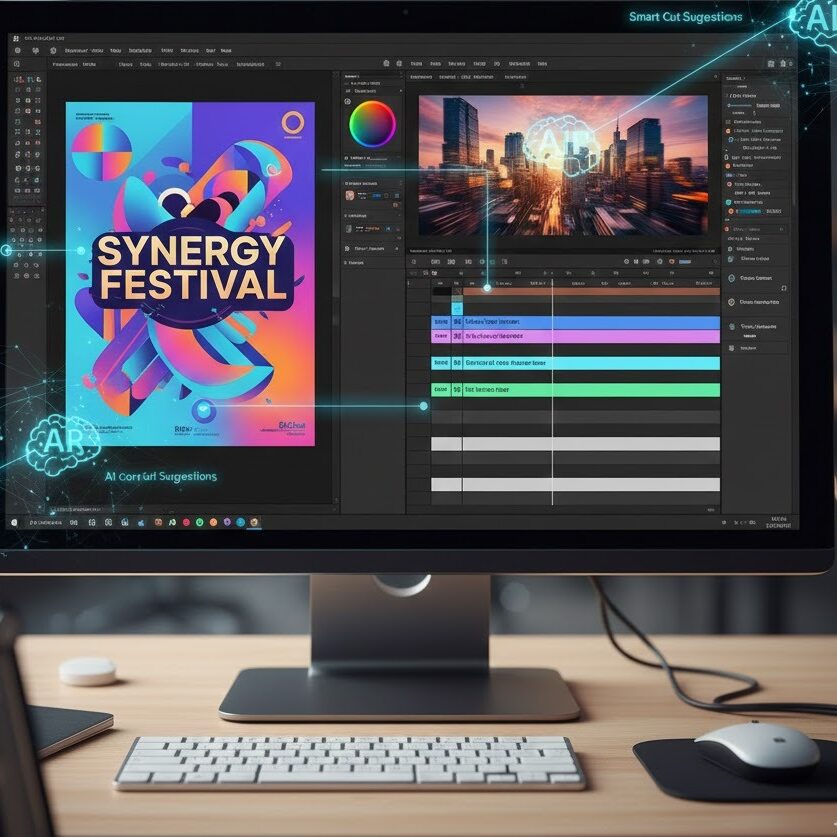
Design professionals are using AI to quicken ideation and handle repetitive tasks, but creativity ultimately still comes from the designer. Adobe Firefly has gained traction for visual creation and concept exploration. Canva AI supports fast layout and social media graphics. Google Gemini supports visual brainstorming and creative prompts.
These tools enable students to create ideas for layouts, investigate color palettes, and perceive the relationships between visual hierarchies. If you hit a creative block, AI can help you break through it. It teaches design structure through example.
The warning signs? AI-generated visuals from different users may all start to look alike. Originality gets lost with over-reliance. A good portfolio is honed by practice and refinement developed manually. AI is a great brainstorming partner, but your creative voice is best developed through hands-on work and experimentation. Learn Graphic Design with us now!
Adobe Firefly
Adobe Firefly is an AI powered creative tool developed by Adobe to help users generate and edit visual content using simple text instructions. It is designed mainly for graphic designers, content creators, and beginners who want to create visuals faster without starting from scratch. Firefly works within the Adobe creative ecosystem and supports tasks like image generation, text effects, and background creation.
Strength and Weaknesses of Adobe Firefly in Gist:
Strengths of Adobe Firefly
• Generates visual ideas quickly from text descriptions
• Useful for concept creation and creative exploration
• Helps designers experiment with colours, styles, and themes
• Integrates well with Adobe design software
• Saves time during the ideation stage
• Helps beginners understand visual composition
• Useful for background generation and text effects
• Supports consistent design output
Weaknesses of Adobe Firefly
• Output can look generic if overused
• Limited control compared to manual designing
• Cannot replace design thinking and creativity
• Requires editing and refinement by the designer
• Not suitable for final professional designs without modification
• Learning design fundamentals is still necessary
• Depends on quality of input prompts
Video Editing and Media

The video editing process requires storytelling, precision, and technical skill. AI on the other hand, helps much in pre-production and planning, other than the actual editing process.
Runway is involved in AI-assisted experimentation with videos, while Descript deals with editing subtitles and audio. Text-based AI assists during script writing and content planning.
Students can use AI to write scripts, plan scenes, generate subtitles, and organize the flow of content. This cuts preparation time and makes for far stronger storytelling before you even open editing software.
The core editing skills, however, still require practice: timing, transitions, pacing-these need manual control and develop through experience. AI simplifies the planning phase, but mastery of editing is honed in hours of hands-on work with footage.
Runway
Runway is a popular AI tool used for both AI generated videos and AI assisted video editing. It is widely adopted by creative professionals for experimental visuals, short films, and social media content. Runway focuses on reducing technical complexity and speeding up creative workflows.
Strength and Weaknesses of Runway in Gist:
Strengths
• Generates short video clips from text prompts
• Useful for creative visuals and concept videos
• AI based background removal without green screen
• Helps beginners experiment with video ideas quickly
• Saves time during editing and visual effects work
Weaknesses
• Limited control over fine details
• Output quality may vary
• Not ideal for long professional videos
• Requires editing skills for polished results
Pika
Pika is an AI video generation tool mainly used for creating short, cinematic videos from text or images. It is popular among content creators and students experimenting with AI visuals and storytelling.
Strength and Weaknesses of Pika in Gist:
Strengths
• Creates visually appealing short videos
• Easy to use for beginners
• Useful for reels and creative storytelling
• Helps visualise ideas quickly
Weaknesses
• Limited video length
• Less control over motion details
• Not suitable for detailed editing tasks
• Requires multiple attempts for desired output
Descript
Descript is an AI powered video and audio editing tool that allows users to edit videos by editing text transcripts. It is widely used for podcasts, interviews, educational videos, and YouTube content.
Strength and Weaknesses of Descript in Gist:
Strengths
• Edits video through text based interface
• Automatically removes filler words
• Generates subtitles quickly
• Saves time in editing long videos
• Beginner friendly
Weaknesses
• Limited advanced visual effects
• Not suitable for cinematic editing
• Requires manual fine tuning
• Best suited for talking head videos
Adobe Premiere Pro AI Features
Adobe Premiere Pro includes AI powered features that assist professional video editors. These features focus on automation and accuracy while keeping creative control in human hands. It is widely used in the media and entertainment industry.
Strength and Weaknesses of Adobe Premiere Pro AI Features in Gist:
Strengths
• Auto caption generation
• Smart reframing for different platforms
• AI based audio enhancement
• Scene detection and timeline organisation
• Industry standard software
Weaknesses
• Steep learning curve for beginners
• Requires strong system performance
• AI features support editing but do not generate full videos
• Subscription based access
Digital Marketing
AI has been embraced more comprehensively in digital marketing perhaps than in any other field. Professionals use this every day in their content planning, SEO optimization, campaign strategy, and performance analysis.
Tools like Surfer SEO facilitate the optimization of content. HubSpot AI provides support for automating marketing and analyzing campaigns. ChatGPT and Claude AI are helpful in creating ideas for content, developing a strategy, and writing content.
In AI, concepts related to marketing are easier to comprehend and help in logically devising strategies. You can explore the SEO structure, ideas for content generation, outline campaigns, and conceptually analyze the performance metrics.
AI Tools Used for Social Media and Short Form Content
Short form content demands speed and creativity. AI tools help creators keep up with trends and consistency.
Canva AI supports quick social media designs. Text based AI tools help with caption writing and hashtag planning. Visual AI tools assist with reel and post ideas. Students use AI to plan content calendars, generate captions, and design quick visuals. This helps maintain consistency while learning platform specific formats.
Strength and Weaknesses of Canva AI Features in Gist:
Strengths of Canva AI
• Helps generate quick design layouts and templates for posters, flyers, social media posts
• Offers text suggestions, captions, and tagline ideas
• Useful for beginners with little or no design experience
• Speeds up creation of visual content for presentations and marketing
• Includes ready made elements and colour suggestions
• Works directly within the Canva interface, so no switching tools
• Supports brand templates and consistency across designs
Weaknesses of Canva AI
• Output can look generic if overused
• Limited control over advanced design details
• Not ideal for professional grade or custom design work
• Creativity still depends on the user
• Heavy reliance on templates reduces original thinking
• Doesn’t teach design theory or principles deeply
Using AI Responsibly
AI is designed to support learning, not to replace thinking. The mere copying of outputs without understanding results in weak skills, poor performance, and possible academic consequences.
The responsible thing to do is actually quite simple. Edit, always add your thinking, and make AI outputs personalized. Let AI explain ideas, create starter material, and overcome hurdles, but make the final work your understanding and voice. If your institution requires certain guidelines around using AI tools, follow them; if you’re ever in doubt, cite your use of AI tools transparently.
Balance is Everything!
The Way Forward AI tools are no longer optional in modern work environments; they are integral to workflows across professional sectors. Students trained to use them responsibly and with skill have a decided advantage in their careers. AI explains and aids, while practice and training build real skills. Without one or the other, a person is either overwhelmed by the manual work or artificially competent without any real understanding.
For students serious about blending AI-assisted learning with hands-on expertise, structured courses make the real difference. Programs that teach not only the core skills of a field but also how to effectively leverage AI within that field prepare you for the actual expectations at work.
At the Microcomputer Center Institute, we teach how to leverage AI in Courses like advanced Excel, graphic design and digital marketing. Students first build strong fundamentals and then learn how to use AI to work smarter and faster. The goal is simple. Develop real skills, apply technology thoughtfully, and stay prepared for evolving industry demands.
It was a blog packed with precised information which really cuts through the noise and tells you what you actually need to improve with AI.
Hence, everything elucidated deligently.
Good
I really dig the bet7kapp platform. It’s slick, user-friendly on my phone, and I can always find something to keep me entertained. bet7kapp